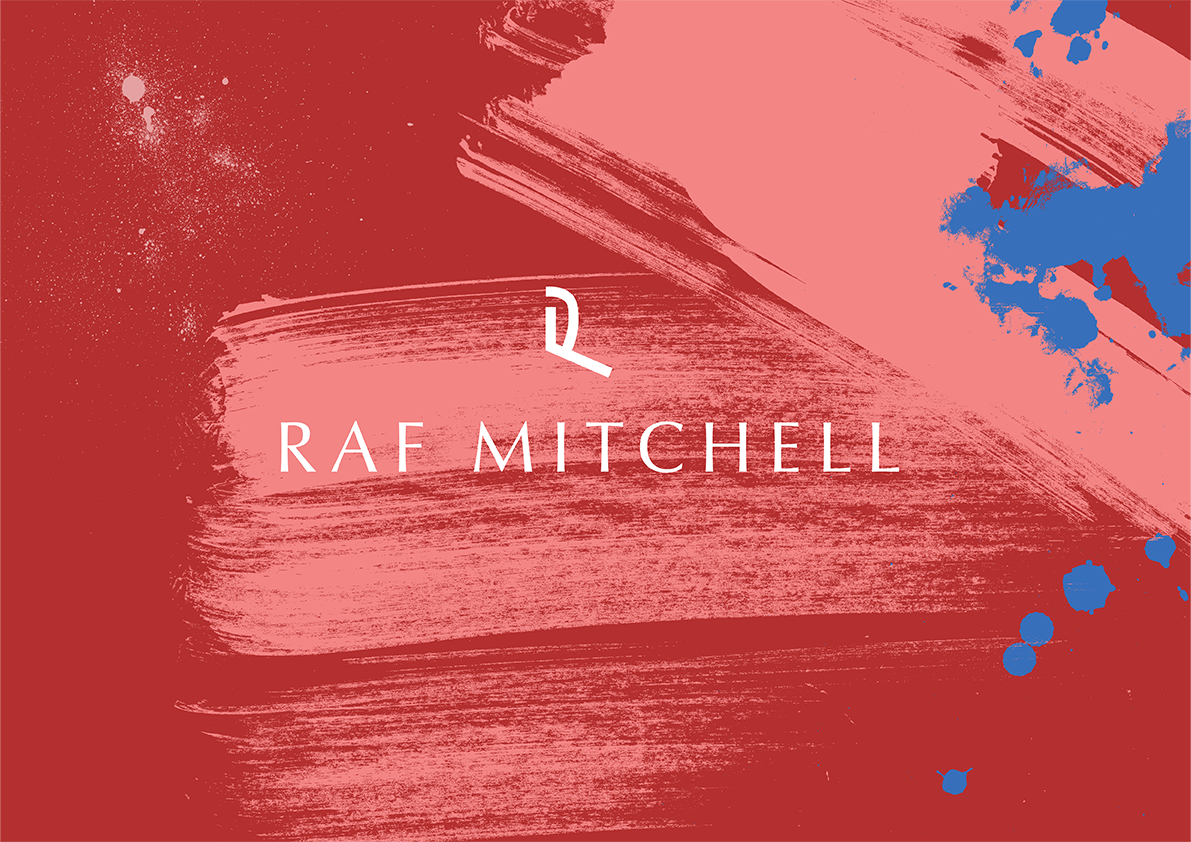
Ink Textures
£15.00
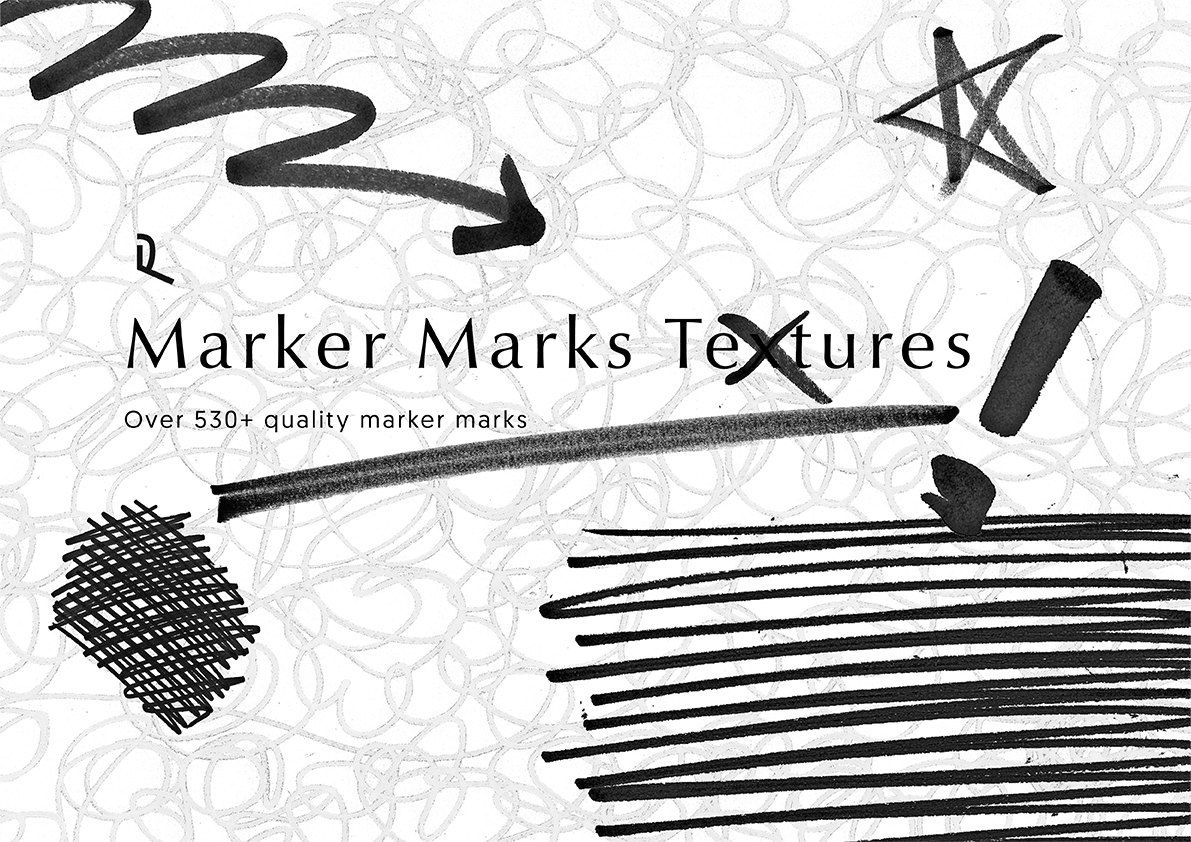
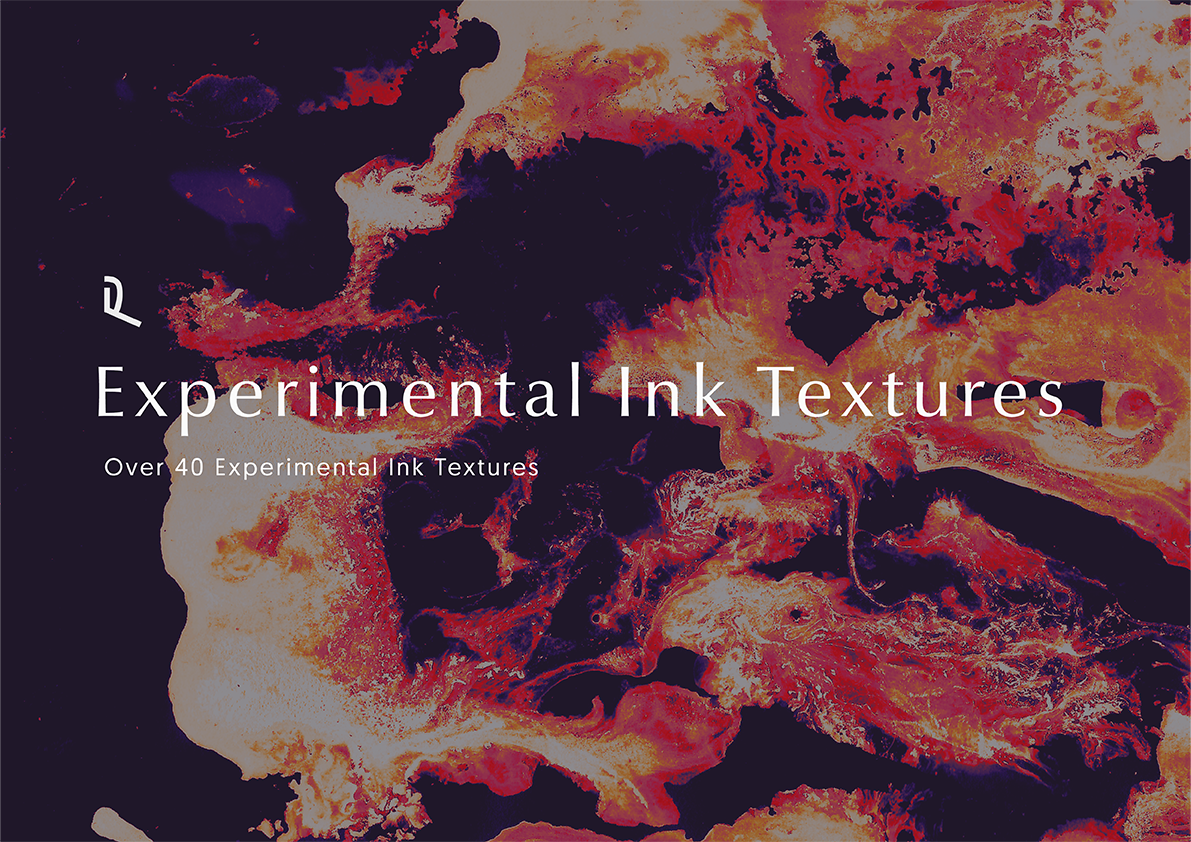
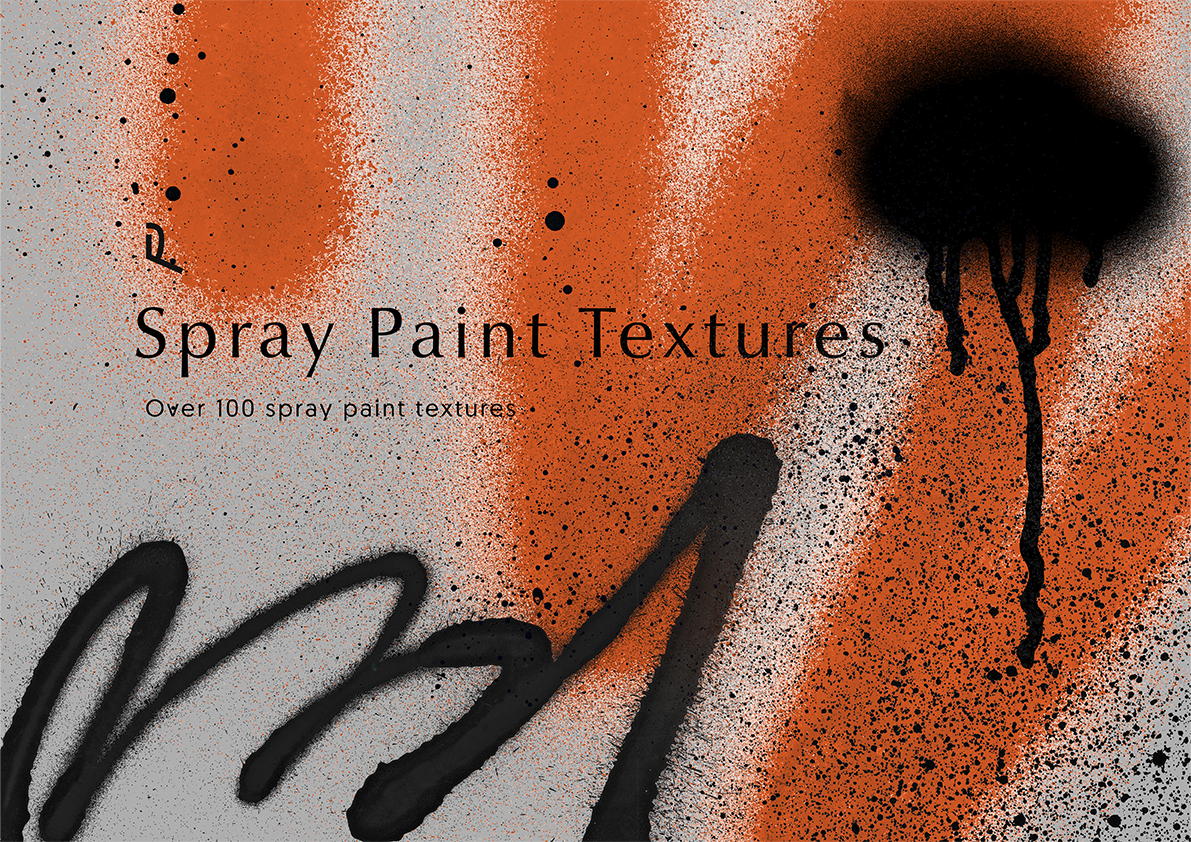
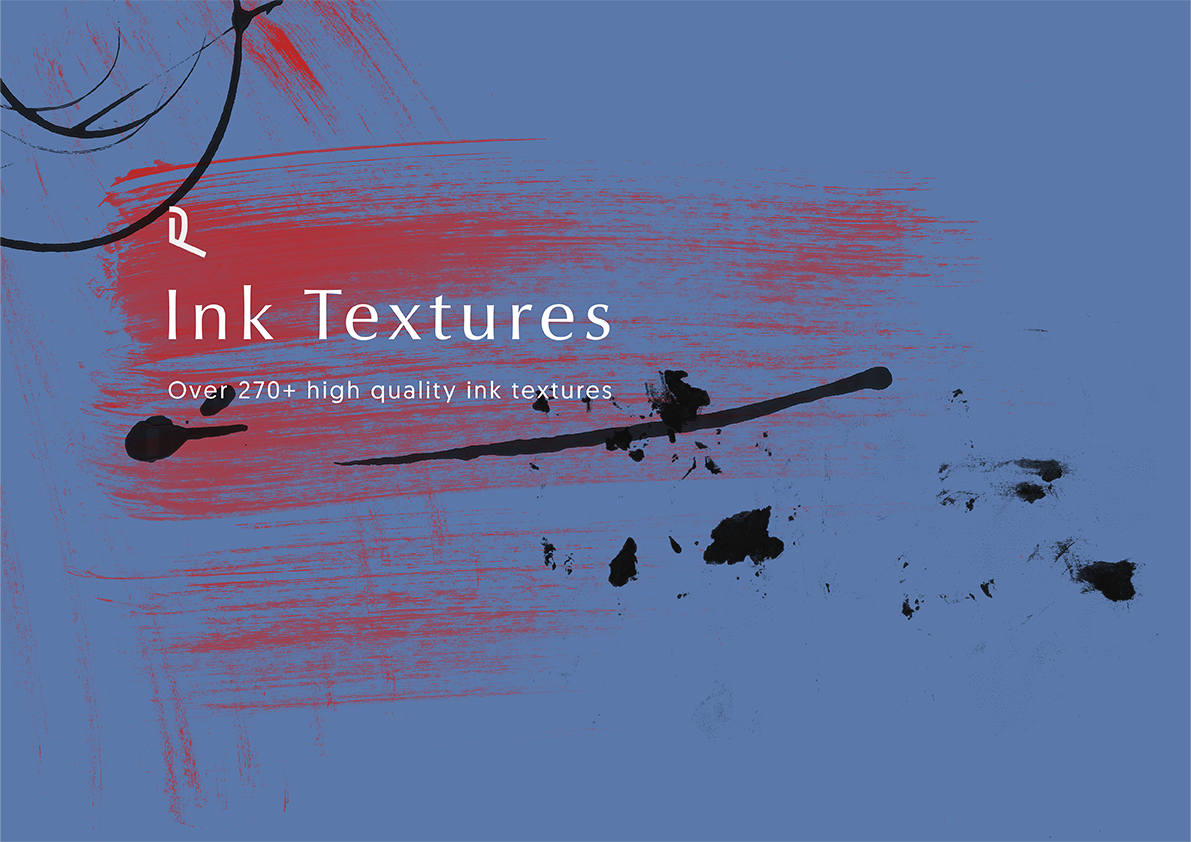
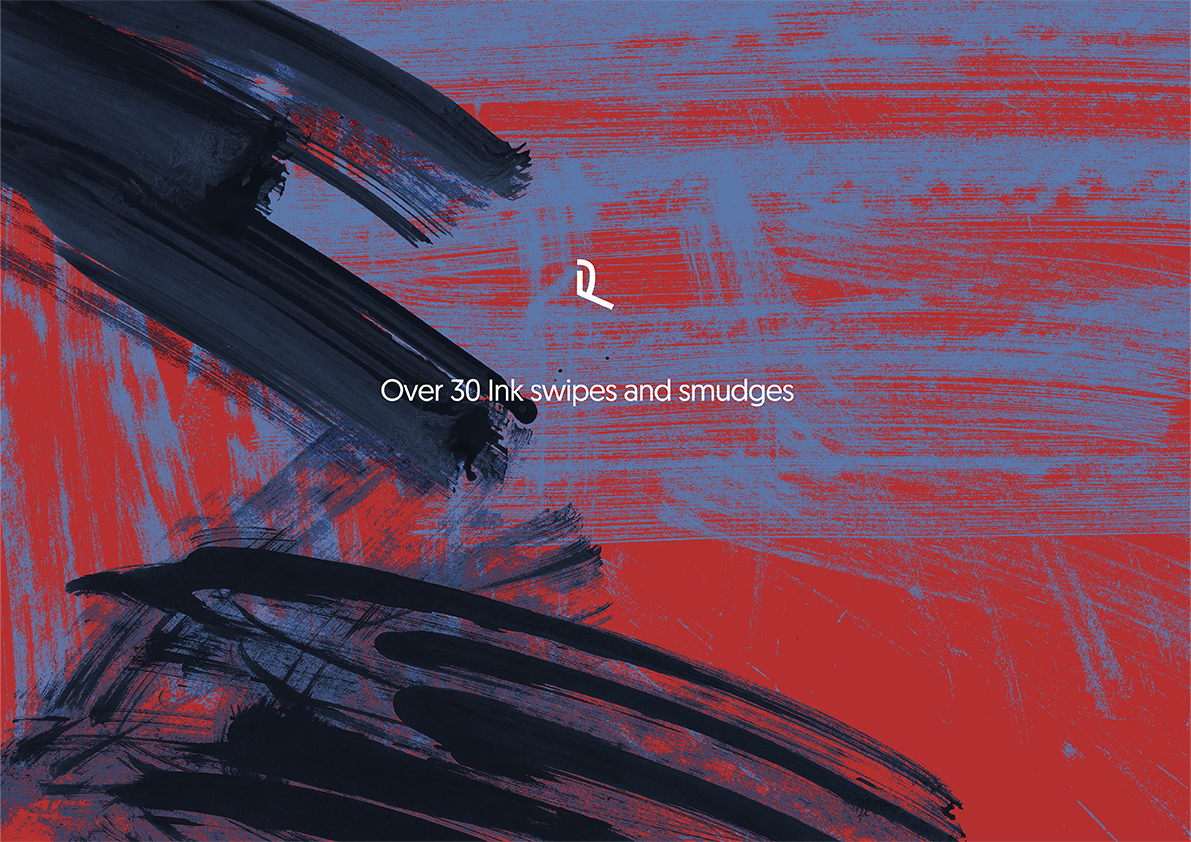
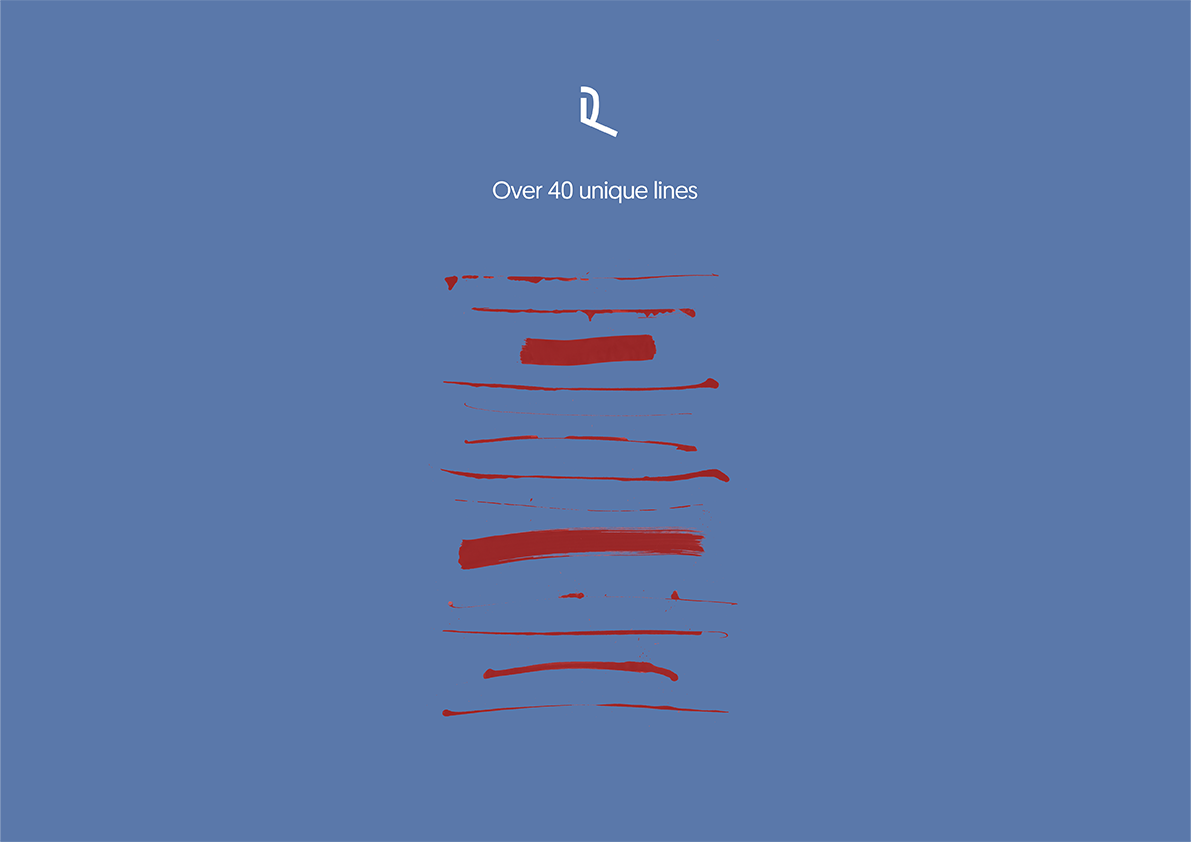
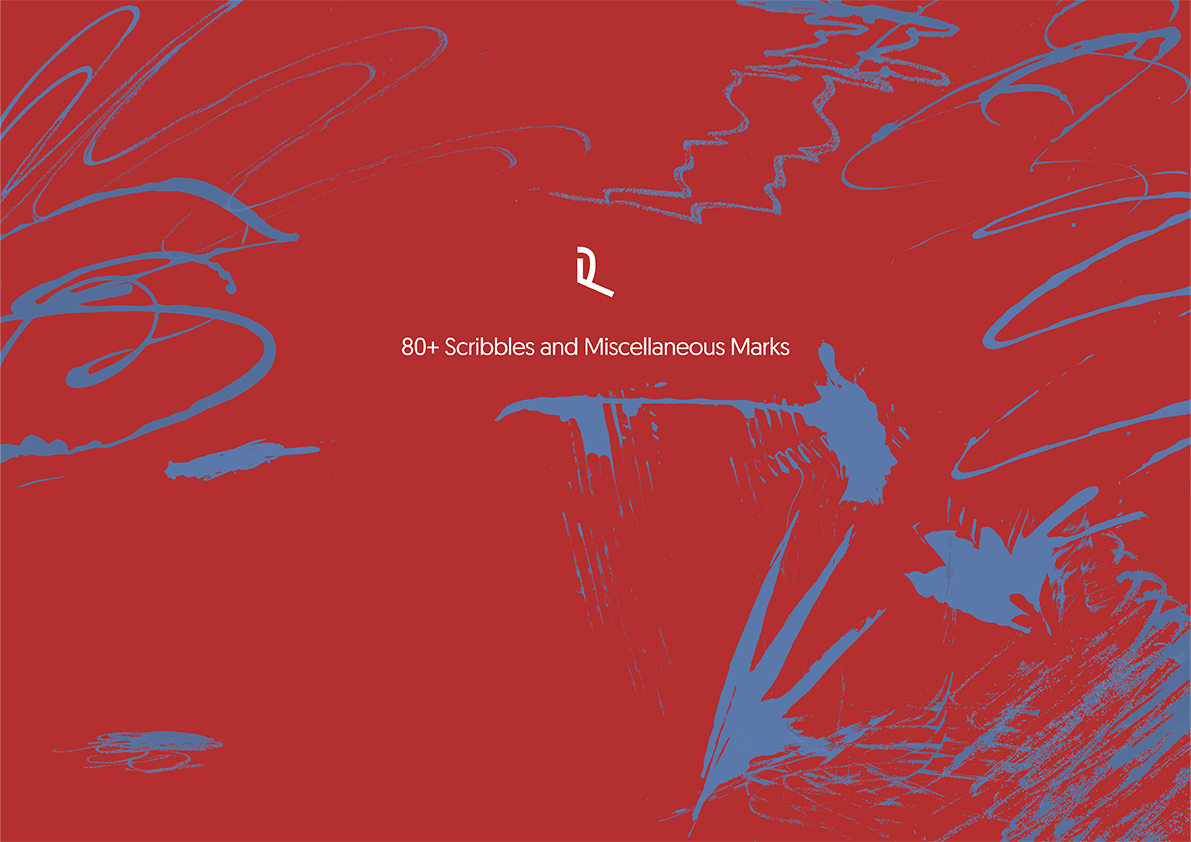
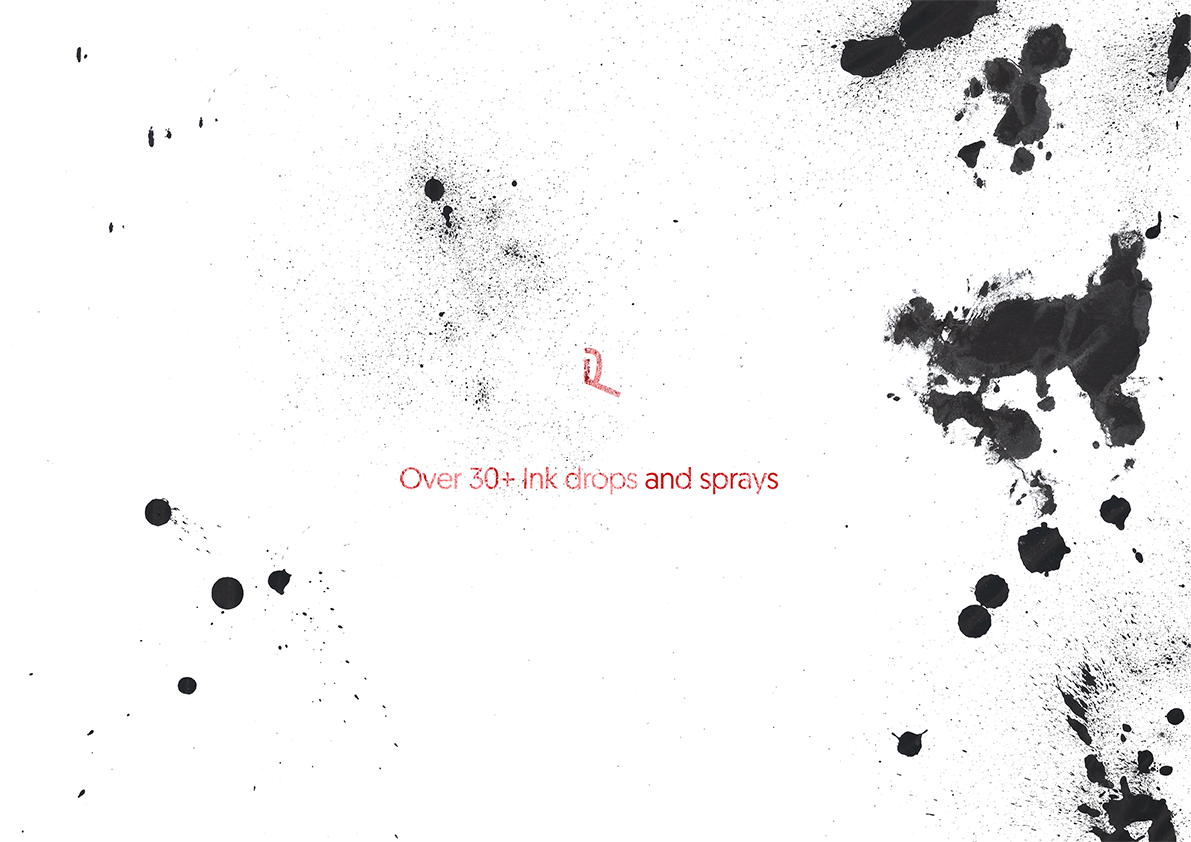
276 real ink marks. Drops, smudges, sprays and strokes.
- Contents
- 276 ink textures
- Format
- transparent .png
- Quality
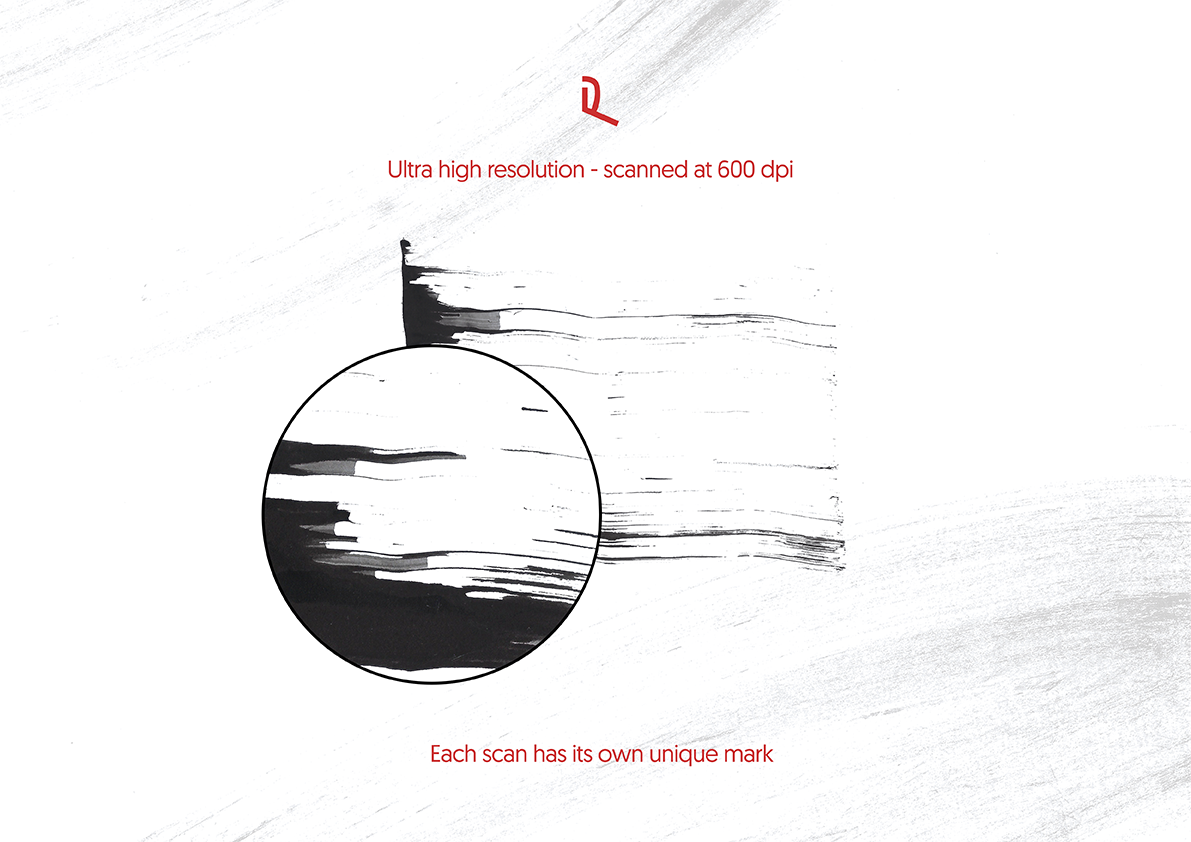
- 600 dpi
- Download
- 375.2 MB
- Also
- organised folders
- Pay on Stripe's secure page.
- The download link lands in your inbox straight away (it works for 30 days).
- Unzip and drop the files into your app. Install help is below.
Every way ink behaves on paper, scanned at 600 dpi: diluted washes, drips, dabs and dry swipes. Layer them for texture or use one big stroke as the hero of a design.
Full description
- Includes 276 ink textures
- Wide variety of unique textures including
- High resolution scanned at 600 dpi
- Transparent background .png files
- Well organised filing system
- Compatible with: Photoshop, After Effects, Premiere Pro, Blender, Cinema 4D or anything else that supports .png files
- Simple drag and drop into your project
- File size375.2 MB
I would love to see the work you create with these textures so don’t forget to tag @design_by_raf and use the hashtag #designbyraf
How to use
Simply drag and drop from your files into your project
Within Photoshop
Gradient maps: use a gradient map with these textures to create crazy visual graphics
Thresholding: to be able to use thresholding with this asset pack make sure you combine the asset layer with a white background. (Add a white adjustment layer underneath the asset layer > join the layers - you will now be able to use thresholding, curves and levels adjustments etc.)
Displacement: can be used as displacement to alter the form of another object
Change colour: to change the colour of the asset double click layer the asset is on to apply an FX > select colour overlay > change to desired colour. Alternatively you can go to: image > adjustment > hue and saturation. Just a few ways in which you can change the colour of the asset.
Blending modes: play around with various combinations of blending modes with various layers of this texture pack. You can overlay the asset on top of other images and text plus multiple other tricks.
Licence
You can use these in client work and in things you sell.
You can't:
- Sub-licensing, resale, sharing, transfer or redistribution either for free or payment.
- Reverse-engineering and/or use of a Design by Raf product to create similar product offered for free or for sale.
Non-refundable once downloaded (you confirm this at checkout). If a file is faulty, reply to your download email and it will be fixed or refunded.