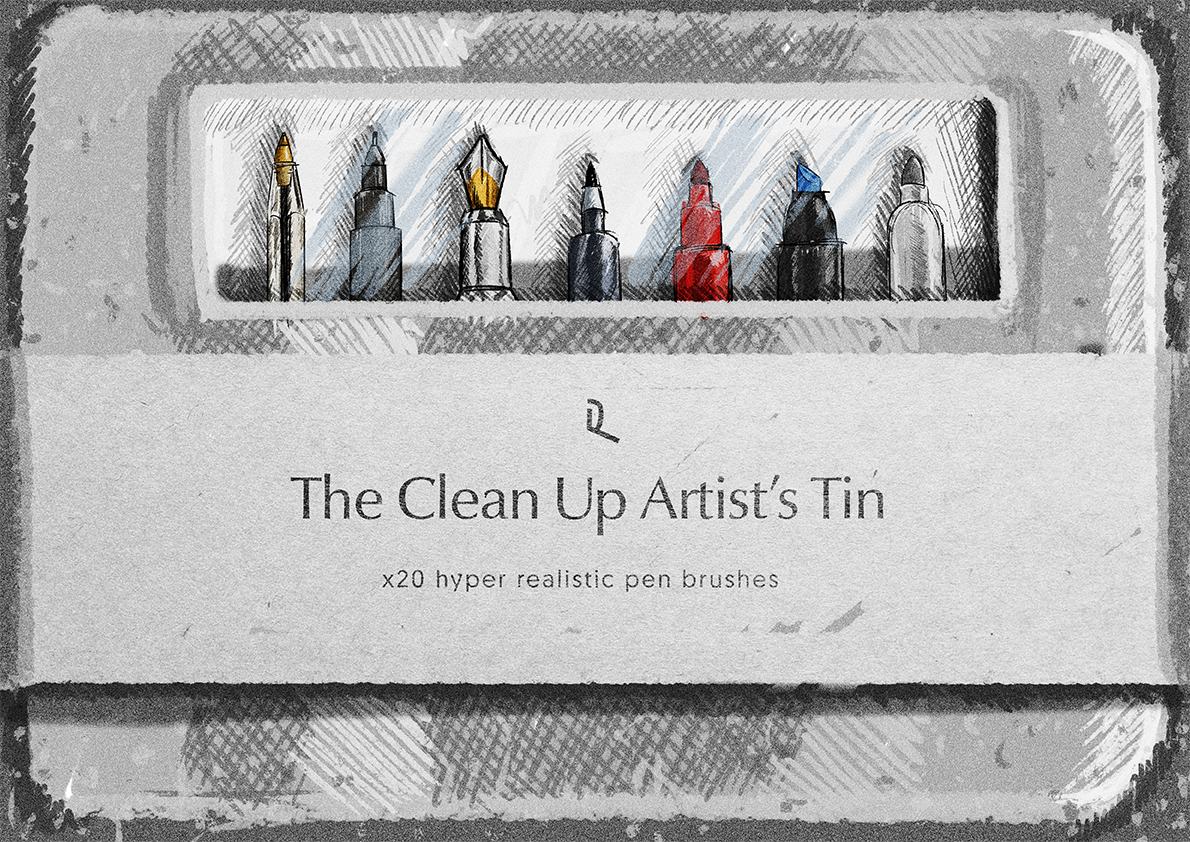
The Clean Up Artist’s Tin
£10.00
20 pens for clean, confident line work.
- Contents
- 20 pen brushes
- Format
- .abr
- Works with
- Photoshop, Procreate, Clip Studio Paint
- Download
- 886.2 MB
- Also
- pressure and tilt sensitive · directional brushes · every brush doubles as an eraser
- Pay on Stripe's secure page.
- The download link lands in your inbox straight away (it works for 30 days).
- Unzip and drop the files into your app. Install help is below.
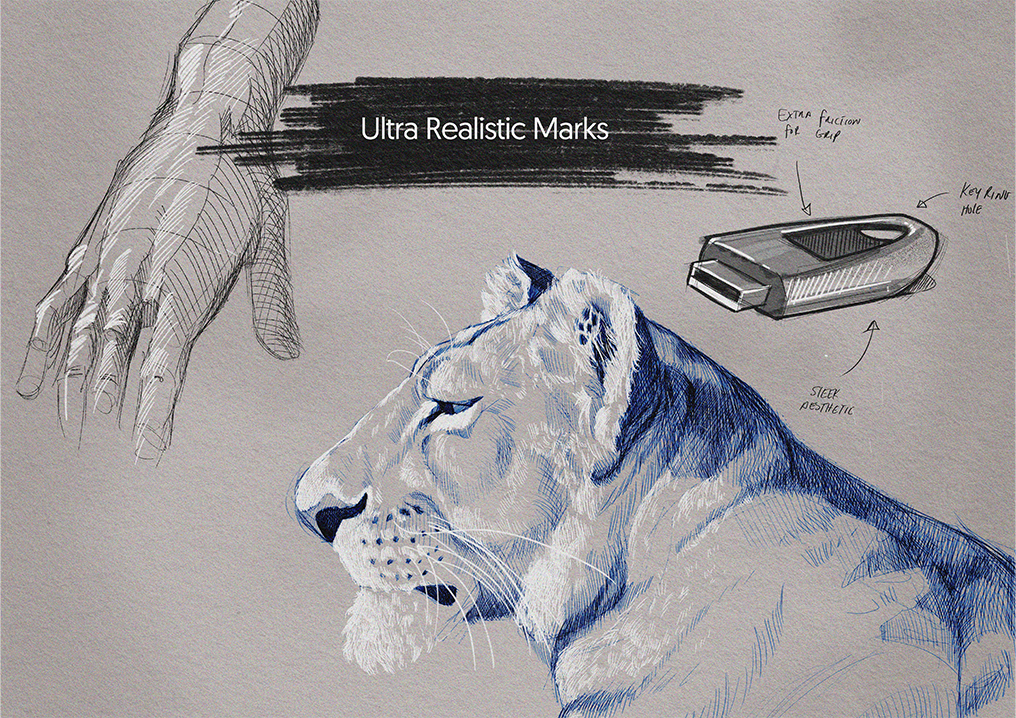
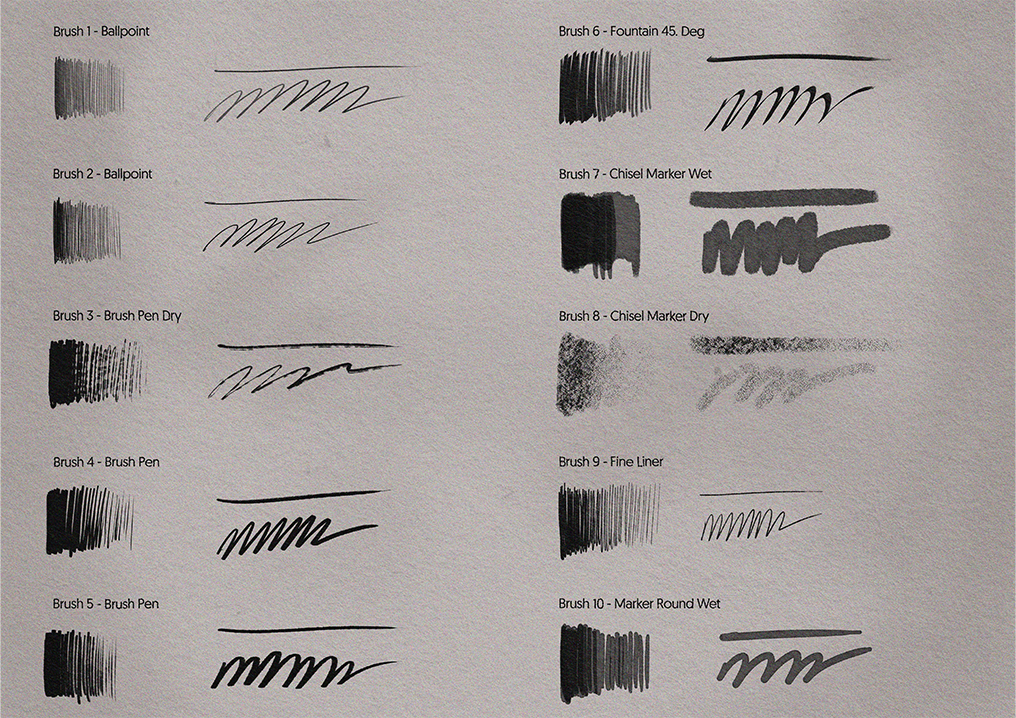
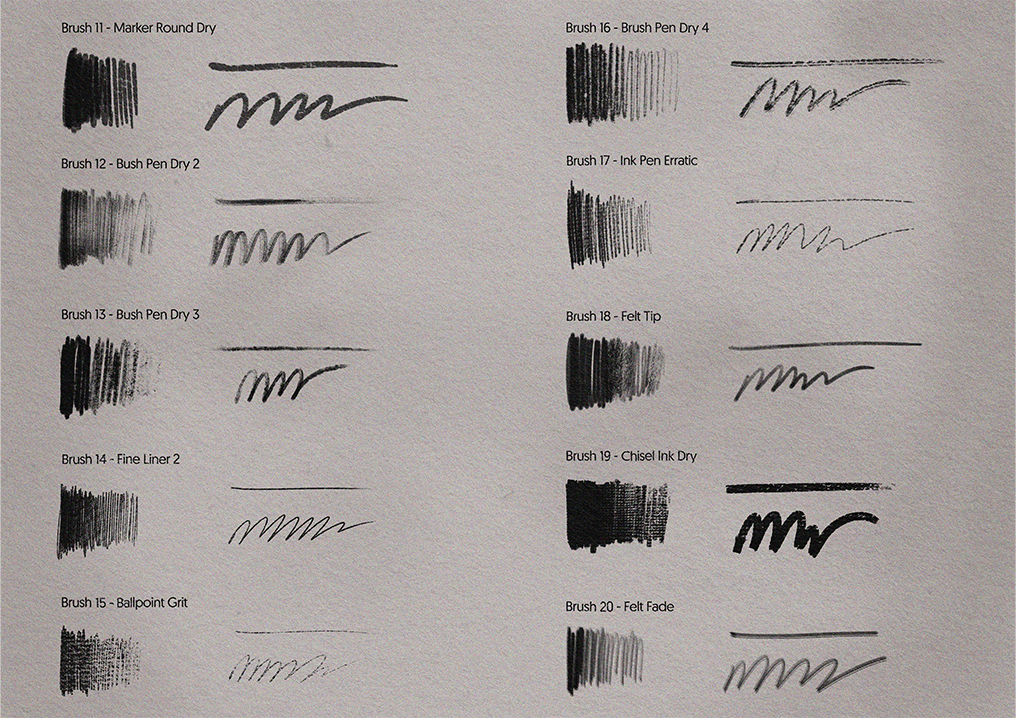
Ballpoints, fountain pens, fine liners, chisels and markers, built from high-resolution analogue pen samples. The tin you reach for when the sketch becomes the final.
Full description
- Includes 20 hyper realistic digital pen brushes
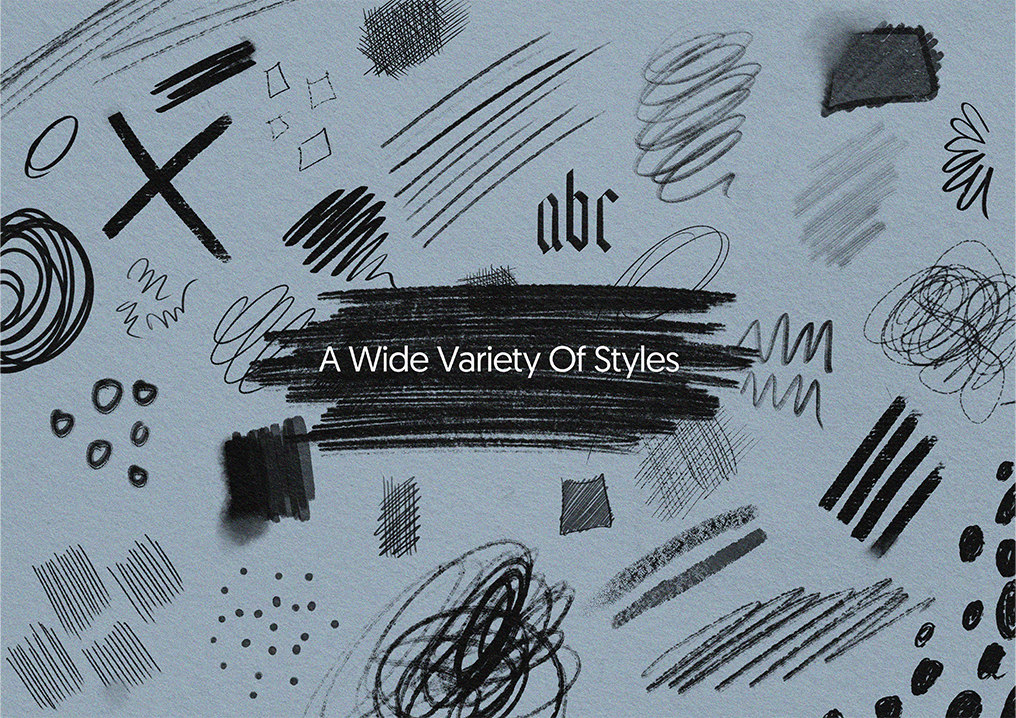
- Wide variety and styles of pens including
- Pressure and tilt sensitive brushes to simulate physical pen mechanics
- A selection of brushes with directional properties
- Built from high resolution analogue pen samples for exceptional quality output
- Each brush can be used as an eraser
- Compatible with Photoshop and other programs that accept .abr files
- File size886.2 MB
I would love to see the work you create with these brushes so don’t forget to tag @design_by_raf and use the hashtag #designbyraf
How to install brushes
Photoshop
Brush tool > Brush preset picker > Settings (top right of panel) > Import brushes…
Select .abr file
Brushes > Brush menu (hamburger menu/three stacked lines, top right of brush panel)
Import brushes… > Select .abr file
Procreate
Open files > Locate .abr brushes > Long-press/hold on selected file > Share
Open with Procreate
Open files > Locate .abr brushes > Drag and drop into Procreate
Clip Studio Paint
- Brush settings > Hamburger menu/three stacked lines > Import sub tool
Locate .abr file > Open
More
Use as an eraser (in Photoshop instead of using “normal” brush mode, select “clear”)
Professional quality digital drawing pens, great for any type of project, whether it be using Photoshop brushes for painting, working on anatomy by drawing hands, drawing noses or drawing lips
Great for drawing easy ideas and rapid ideation, or more refined presentational work
Licence
You can use these in client work and in things you sell.
You can't:
- Sub-licensing, resale, sharing, transfer or redistribution either for free or payment.
- Reverse-engineering and/or use of a Design by Raf product to create similar product offered for free or for sale.
Non-refundable once downloaded (you confirm this at checkout). If a file is faulty, reply to your download email and it will be fixed or refunded.