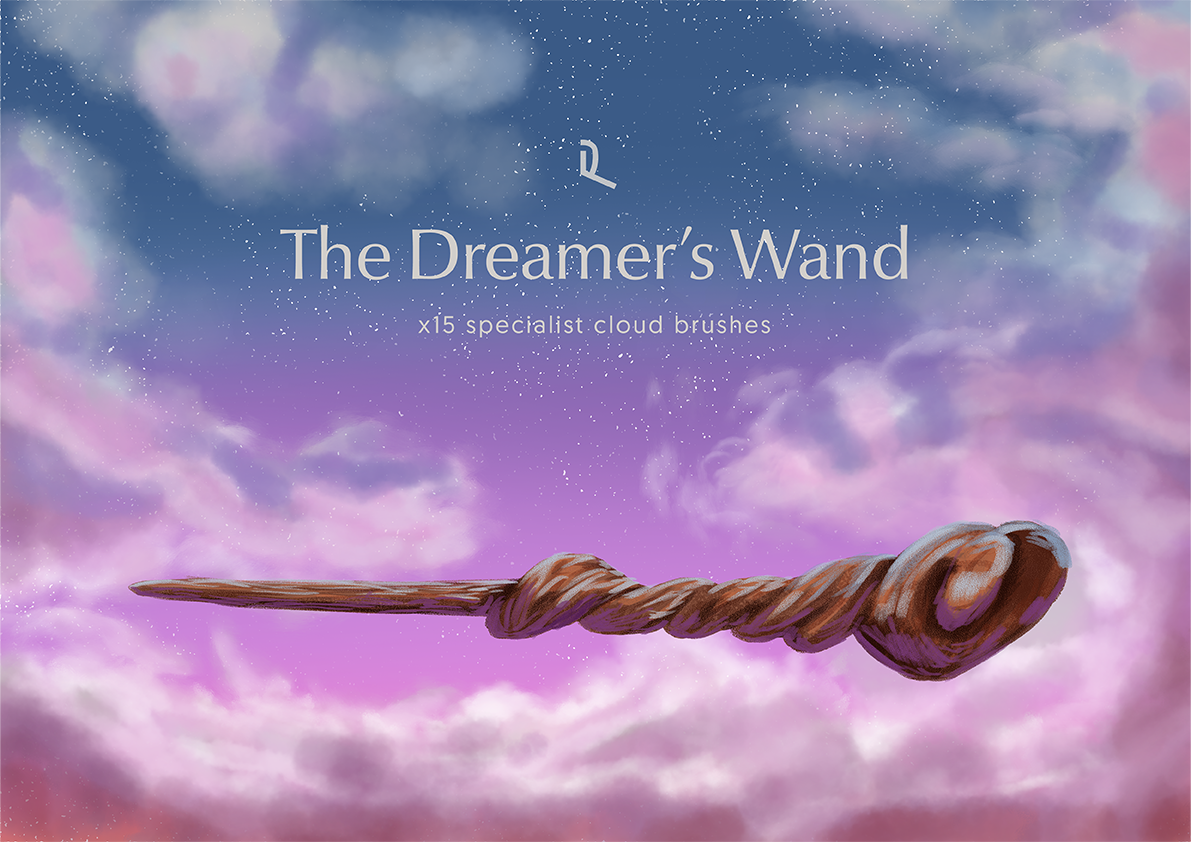
The Dreamer’s Wand
£15.00
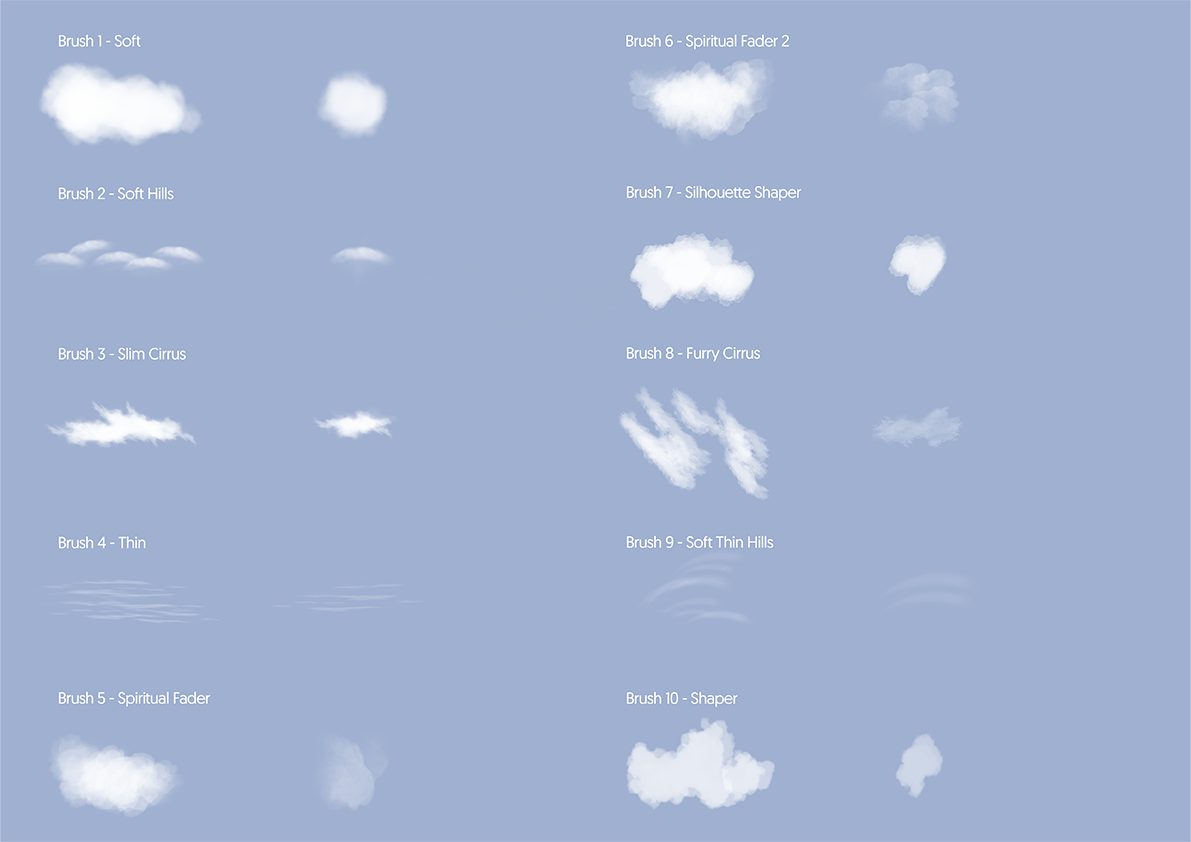
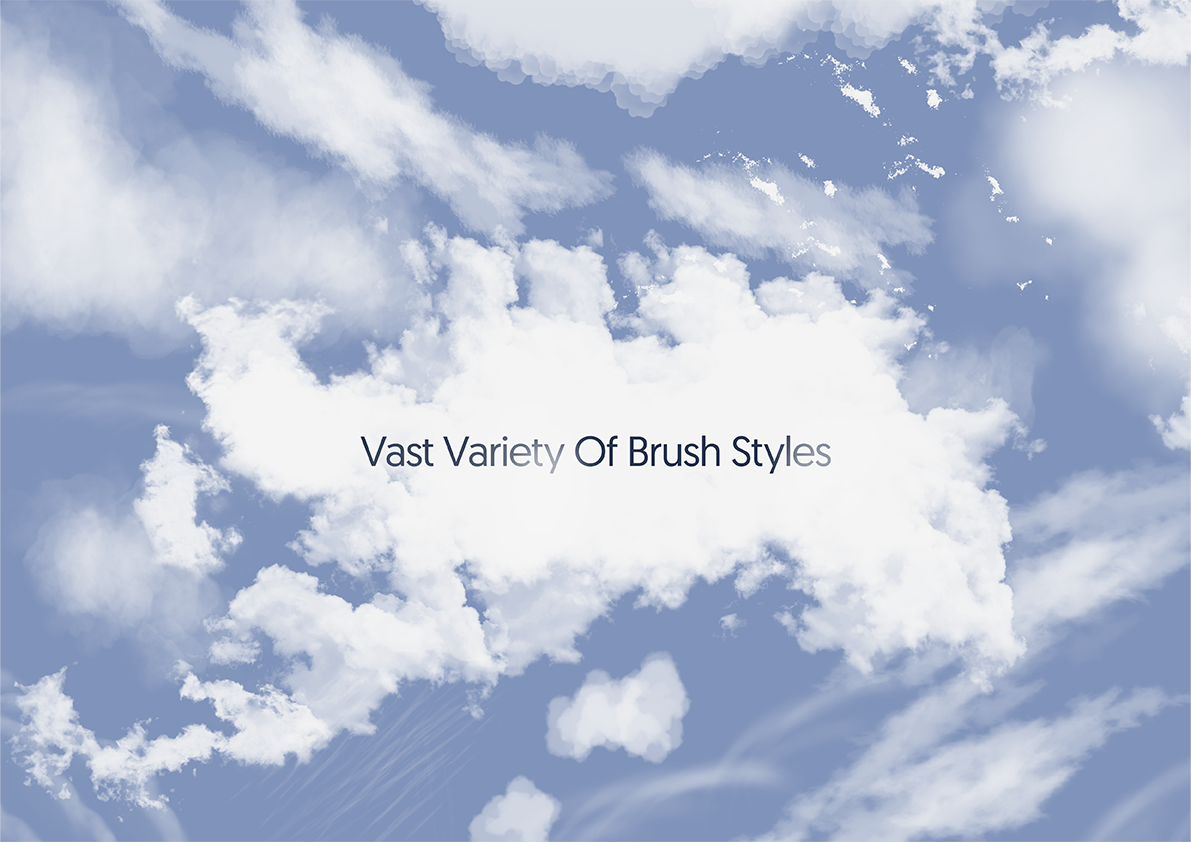
15 cloud brushes. Paint a sky in minutes.
- Contents
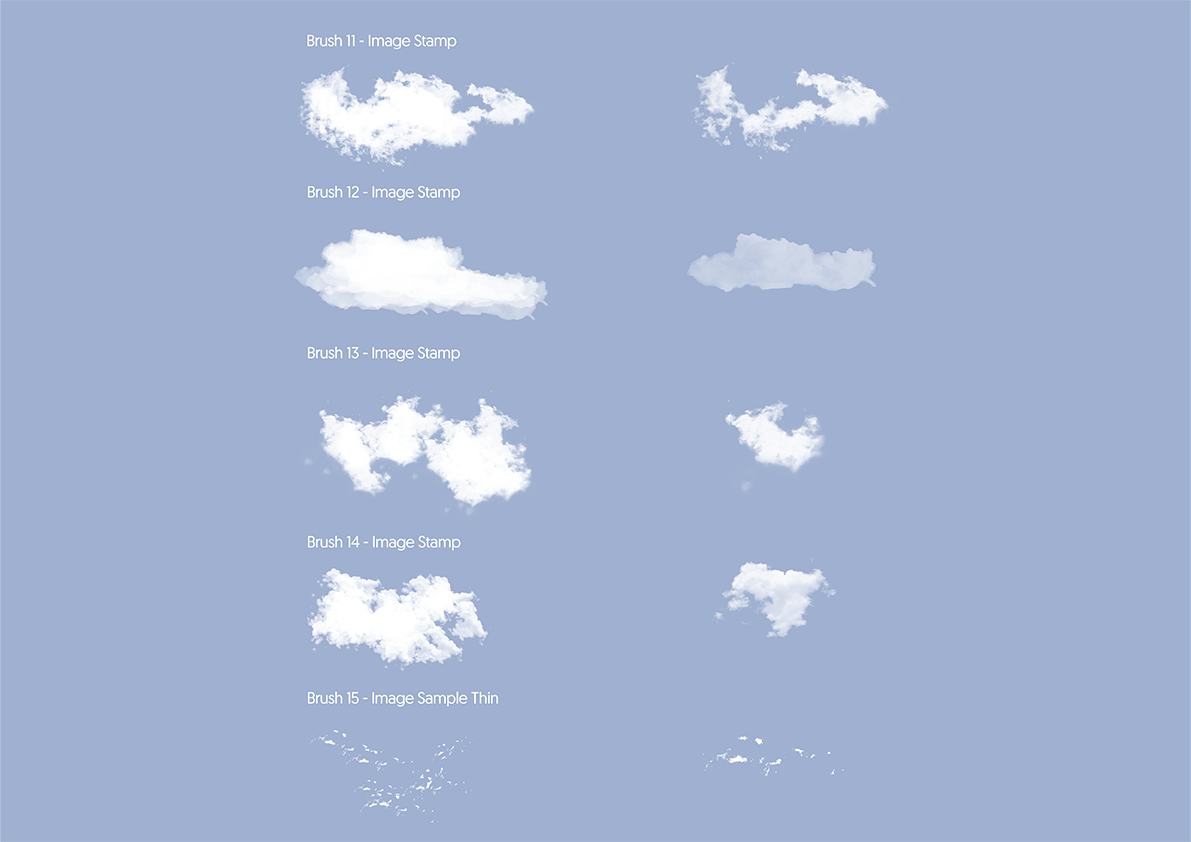
- 15 cloud brushes
- Format
- .abr
- Works with
- Photoshop, Procreate, Clip Studio Paint
- Download
- 32.1 MB
- Also
- pressure sensitive · every brush doubles as an eraser
- Pay on Stripe's secure page.
- The download link lands in your inbox straight away (it works for 30 days).
- Unzip and drop the files into your app. Install help is below.
A mix of hand-built brushes and photographic stamps for realistic clouds, fast. Works from photoreal skies to stylised dreamscapes.
Full description
- Includes 15 specialist digital cloud brushes
- A mix of curated digital brushes and photographic stamps
- Pressure sensitive brushes to provide maximum control
- Hand-crafted within the digital space using quality samples for high performance output
- Each brush can be used as an eraser
- Compatible with Photoshop and other programs that accept .abr files
- File size32.1 MB
I would love to see the work you create with these brushes so don’t forget to tag @design_by_raf and use the hashtag #designbyraf
How to install brushes
Photoshop
Brush tool > Brush preset picker > Settings (top right of panel) > Import brushes…
Select .abr file
Brushes > Brush menu (hamburger menu/three stacked lines, top right of brush panel)
Import brushes… > Select .abr file
Procreate
Open files > Locate .abr brushes > Long-press/hold on selected file > Share
Open with Procreate
Open files > Locate .abr brushes > Drag and drop into Procreate
Clip Studio Paint
- Brush settings > Hamburger menu/three stacked lines > Import sub tool
Locate .abr file > Open
More
Use as an eraser (in Photoshop instead of using “normal” brush mode, select “clear”)
Great for creating realistic clouds at a fast rate
Versatile to be used in a variety of different visual styles
Licence
You can use these in client work and in things you sell.
You can't:
- Sub-licensing, resale, sharing, transfer or redistribution either for free or payment.
- Reverse-engineering and/or use of a Design by Raf product to create similar product offered for free or for sale.
Non-refundable once downloaded (you confirm this at checkout). If a file is faulty, reply to your download email and it will be fixed or refunded.